Three different Salesforce tools can all change what a user sees on a record page. That overlap is exactly why this question comes up so often: you know you need to change something, but not which one of the three is built for the job.
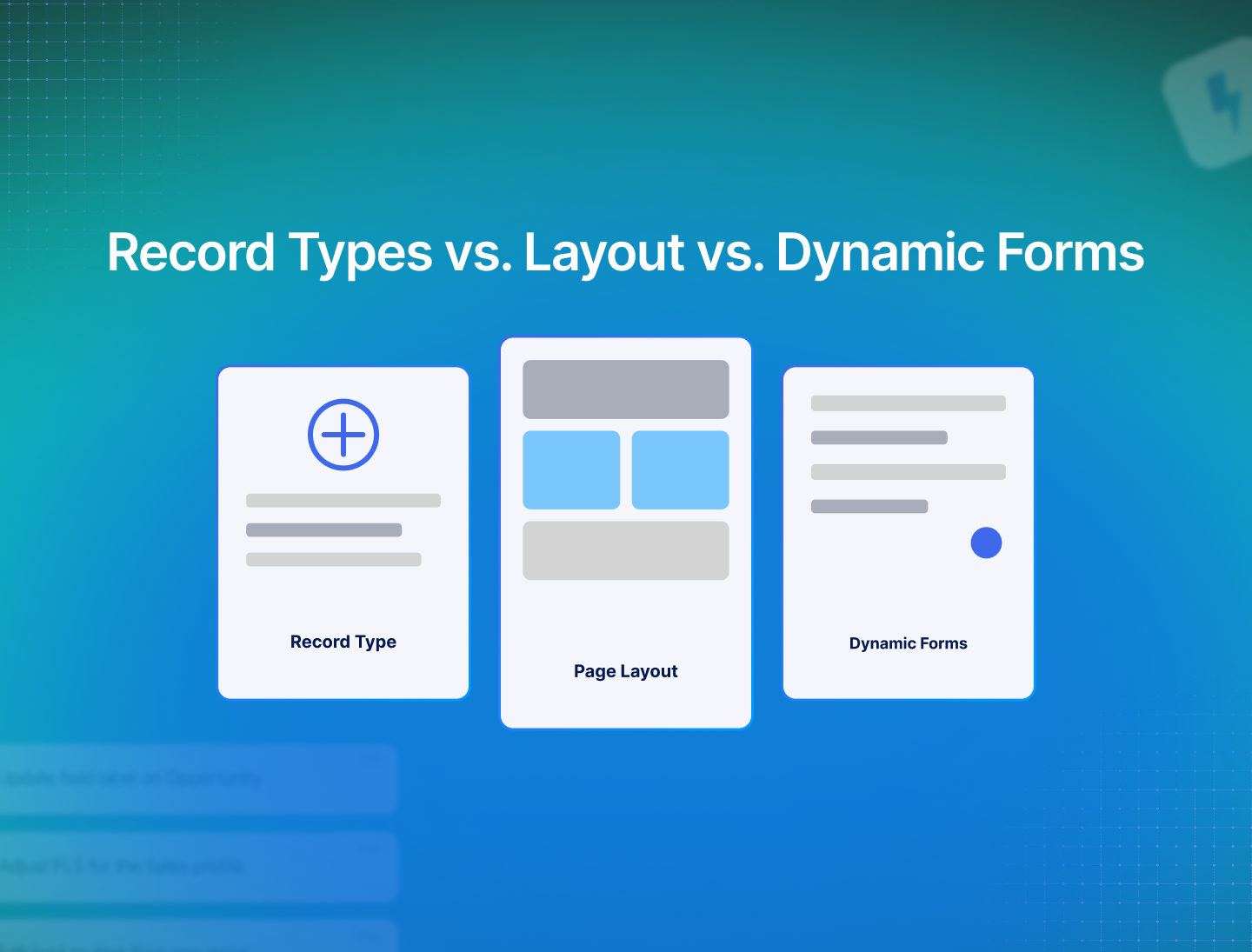
Here's the short version. Record types change what a record is: its process, its picklist values, its page layout assignment. Page layouts change what a record looks like: which fields and related lists appear, and in what order. Dynamic Forms change which fields appear for whom, under what conditions, without touching the underlying layout structure. They solve different problems, and most orgs end up needing all three at some point.
What each one actually controls
Record Types exist to model different business processes on the same object. A Record Type doesn't change the object's schema, but it does control which picklist values are available, which page layout a user sees, and which validation rules or automation might apply. If you're selling two different product lines through the same Opportunity object, or triaging two different kinds of Cases, Record Types are how you tell Salesforce "this record follows a different process than that one."
Page Layouts are the traditional way to control the structure of a record's detail page: which fields show, how they're grouped into sections, which related lists appear, and which buttons are available. A layout is assigned per profile and record type combination, so the same object can look completely different to a Sales user than to a Support user.
Dynamic Forms move field and section placement off the page layout and onto the Lightning page itself, with visibility rules attached. Instead of one static layout per profile/record-type pair, you place individual fields or field sections directly on the Lightning record page and control their visibility conditionally, based on field values, permissions, or record type, without creating a new layout for every variation.
Record Types also plug directly into automation: Record-triggered Flows can branch on the record's RecordType.DeveloperName, and validation rules can enforce record-type-specific requirements through the same merge field or through RecordTypeId. Salesforce advises against the $RecordType global variable anywhere except default value formulas. That's part of why Record Types are the heavier tool. Changing one doesn't just change what a user sees, it can change which flows and rules fire.
The decision framework
Ask these questions in order:
1. Are you modeling a different business process, different picklist values, or a different set of stages/statuses?
→ You need a Record Type. This is the only one of the three that changes what the record represents, not just how it's displayed.
2. Same process, but a different profile or team needs a structurally different page: different sections, different related lists, different field order?
→ You need a Page Layout (or a new layout assignment on an existing Record Type).
3. Same process, same structure, but you need fields to show or hide based on a condition, such as a field value, the user's permission, or the device they're on?
→ You need Dynamic Forms. This is the tool for conditional, field-level visibility without multiplying layouts.
A useful shortcut: Record Types answer "what kind of record is this?" Page Layouts answer "what does the page look like?" Dynamic Forms answer "which fields show right now, for this user?"
Real scenarios
Multi-product sales org. A company sells both software licenses and professional services through the same Opportunity object, with different stages and forecast categories for each. This is a Record Type problem: two Record Types, two sets of picklist values, two layouts assigned.
Sales vs. Support on the same object. Both teams work Cases, but Sales needs to see Opportunity-related fields and Support needs SLA and escalation fields. If the underlying process is the same, this is often a Page Layout problem: two layouts assigned by profile, same Record Type.
Conditional fields based on record state. A Case shows an "Escalation Reason" field only when Priority is set to High, and shows different fields to managers than to frontline agents on the same Record Type. This is a Dynamic Forms problem: one Lightning page, several field sections with visibility rules.
Common mistakes
Creating a Record Type when a Page Layout would do. If the business process, picklist values, and automation are identical and only the display differs by team, a new Record Type adds picklist management overhead you don't need. A second Page Layout assignment solves it with less to maintain.
Building a new Page Layout for every conditional field. Before Dynamic Forms, this was often the only option, which is how orgs end up with a dozen near-identical layouts differing by one or two fields. The math compounds fast: five Record Types across three profiles, each needing its own layout, is fifteen layouts to maintain before you've accounted for a single conditional field. If the object is Dynamic-Forms-enabled, conditional visibility on a single Lightning page usually replaces most of that layout sprawl.
Forgetting Dynamic Forms isn't universal. It's available on most Lightning-enabled standard and custom objects, but not all of them. Check the object's Lightning App Builder for a Fields tab before planning a migration away from layout-based field placement.
Where Cirra AI fits
Untangling which of these three is already in play across a large org, and building the right one, is exactly the kind of Setup-menu work that eats an afternoon. Cirra AI connects to your Salesforce org through any MCP-compatible AI client and lets you ask directly: which Record Types exist on an object, which Page Layouts are assigned to which profile, or where Dynamic Forms visibility rules are already configured. From the same conversation, you can create the Record Type, adjust the layout, or add a Dynamic Forms visibility rule, all scoped to your existing Salesforce permissions and logged in an exportable audit trail. Visibility rules built this way use equality checks on a record or user field, so permission-based conditions are still faster to set by hand in Lightning App Builder.
FAQ
Can I use Record Types and Dynamic Forms together?
Yes. Dynamic Forms visibility rules can reference the record's Record Type, so you can show different field sections on the same Lightning page depending on which Record Type the record uses, without maintaining separate layouts for each.
Do Dynamic Forms replace Page Layouts entirely?
Not always. Page Layouts still control related lists, the actions in the highlights panel, and any object that isn't Lightning App Builder-enabled. The fields in the highlights panel come from the object's compact layout, not from the page layout or from Dynamic Forms. Most orgs run a mix: Dynamic Forms for field-level control, Page Layouts for what's left.
How many Record Types is too many?
There's no hard limit, but each one adds picklist and layout maintenance. If two Record Types share the same picklist values, layout, and automation, they're usually a sign that a Page Layout or Dynamic Forms rule would have been enough.
Does switching to Dynamic Forms require a data migration?
No. Dynamic Forms changes how fields are displayed, not how data is stored. Enabling it on an object and rebuilding the Lightning page doesn't touch existing records.
Get a clear picture of your org's setup
Whichever one you need, building it by hand means digging through Setup, checking layout assignments, and testing visibility rules one profile at a time. Cirra AI lets you describe the change and see it built, without leaving the AI tool you already use.
Start a free trial and connect it to your Salesforce org to see how it maps your Record Types, layouts, and Dynamic Forms configuration.